Breaking Lab srl



Your Microsoft storage just got a lot smaller
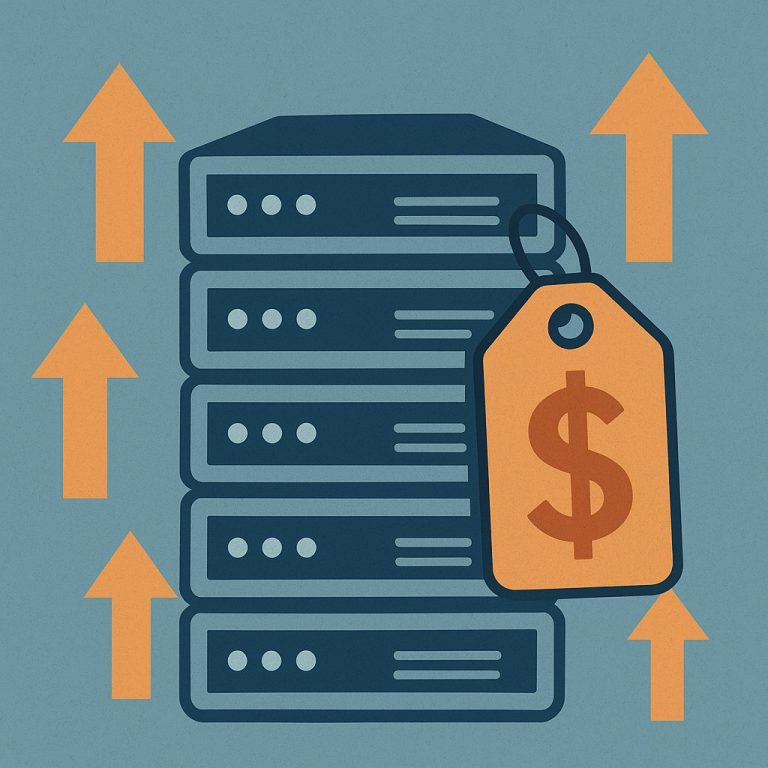
Microsoft is cutting the cloud storage — the online space where your files, documents, and backups live — that comes bundled with Microsoft 365 subscriptions. The reduction is 60%, meaning you will keep less than half of what you had before. Many subscribers received an email about this, but the wording was easy to overlook if you were skimming.
Why this matters if you run a website or small server
A surprising number of small site owners and server operators rely on Microsoft 365 not just for email and documents, but as a convenient place to stash backups, media files, or working copies of projects. OneDrive — Microsoft’s file storage service included with 365 — has been generous enough that many people never thought twice about using it as informal off-site storage.
That is now changing. If you are anywhere near your storage limit, you could soon find files going unsynced, backups failing silently, or uploads being blocked. The worst outcome is a backup routine that appears to be running fine but is quietly dropping files because it has run out of space.
What you should do right now
First, log in and check how much OneDrive storage you are currently using. Microsoft 365 accounts show this in the account settings page. If you are using more than 40% of your current allowance, you are at risk of hitting the new lower ceiling.
Second, think about whether cloud storage from Microsoft is actually the right tool for the job. For server backups specifically, dedicated backup services — such as Backblaze B2 or a simple object storage bucket from your hosting provider — are often cheaper per gigabyte and purpose-built for automated backups. Keeping backups in the same ecosystem as your productivity tools is convenient, but it also means a single account issue can affect everything at once.
Third, if you want to stay with Microsoft, buying extra OneDrive storage is possible but adds to the monthly bill. Factor that in when comparing alternatives.
The bigger picture
This move is a reminder that bundled “free” storage from large platforms is a benefit, not a right — and it can shrink without much warning. As storage becomes a more visible revenue line for cloud companies, quiet reductions like this are likely to happen again. Building your backup and storage strategy around a provider whose sole business is storage, rather than one that bundles it as a sweetener, gives you more predictability and usually a better price per gigabyte over time.