Breaking Lab srl


The padlock in your browser is not a guarantee
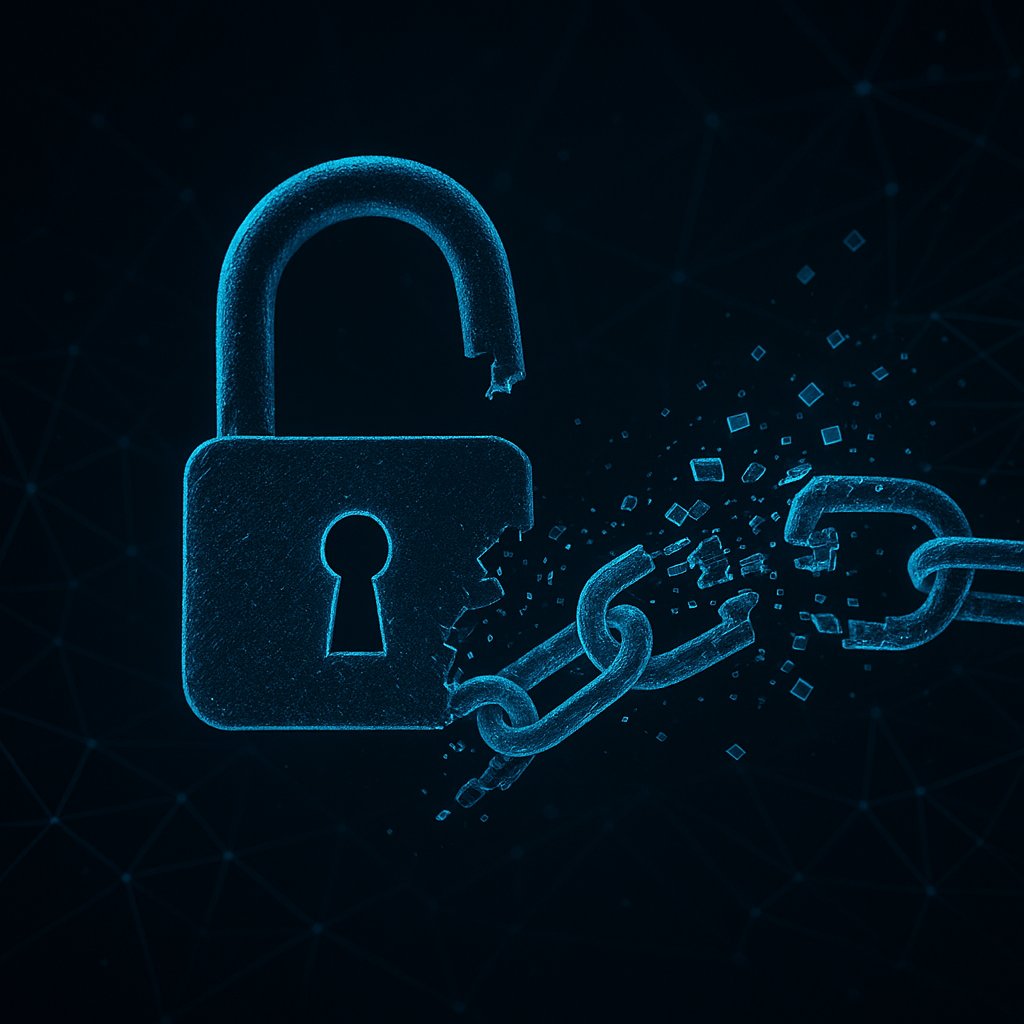
Most people treat the padlock icon in a browser address bar as a sign that a website is safe. It means the connection is encrypted using a TLS certificate — a small digital file that proves a site is who it claims to be. But a recent attack has shown that those certificates can be obtained by the wrong people, and the consequences reach further than most site owners realise.
Attackers managed to hijack three country-code top-level domains — these are the national suffixes like .uk or .de that are managed by individual countries. By taking control of those domains, they were able to trick certificate authorities (the companies that issue TLS certificates) into handing over valid, trusted certificates for well-known global services, including Google. The certificates were real and would appear genuine to any browser.
Why this is different from a typical phishing attack
Ordinary phishing sites use certificates too, but browsers increasingly flag them as suspicious. What makes this attack more dangerous is that the stolen certificates were issued for the actual brand names of major services — not lookalike domains with slightly different spellings. A user visiting a fake site armed with one of these certificates would have almost no visual warning that anything was wrong.
For someone running their own website or server, the risk is not just that your visitors might be deceived elsewhere. It is also a reminder that the trust system underpinning HTTPS is not perfectly sealed. Certificate authorities rely on domain control checks, and if an attacker controls a domain — even briefly — they can pass those checks.
What you can do right now
There is a practical defence available to every site owner: CAA records (Certification Authority Authorisation). These are small entries you add to your domain’s DNS settings — the internet’s address book — that tell certificate authorities which companies are allowed to issue certificates for your domain. Any other authority must refuse. It takes minutes to set up and is supported by every major DNS provider.
You should also check Certificate Transparency logs — public, tamper-resistant records of every TLS certificate ever issued. Tools like crt.sh let you search for any certificate issued for your domain. If you see one you did not request, that is a serious warning sign worth investigating immediately.
The bigger picture
This attack is a signal that nation-state or well-resourced criminal groups are now targeting the infrastructure of trust itself, not just individual websites. As certificate issuance becomes more automated and widespread, the pressure on domain owners to actively monitor their own certificates will only grow. Setting up CAA records and checking transparency logs regularly is no longer optional housekeeping — it is basic hygiene for anyone serious about keeping their site secure.