Breaking Lab srl

Why WordPress Returns 502 Bad Gateway When Traffic Rises
A 502 Bad Gateway on WordPress is one of the most misleading errors you can get, because of what it appears to be telling you. It looks like the server is down. It looks like your hosting company has a problem. Support will often encourage that reading, because from their side the machine is running perfectly.
In most cases the machine is fine, the hosting is fine, and the site is refusing visitors because of a single number in a configuration file.
Here is how to confirm that in about two minutes, and how to fix it without making it worse.
What the error actually means
Your web server — nginx or Apache — does not build WordPress pages itself. It hands the request to a separate program, PHP-FPM, which runs the PHP code and returns finished HTML.
502 Bad Gateway means the web server asked PHP-FPM for a page and did not get an answer.
That is all it means. The web server is working well enough to tell you about the failure.
There are only a few reasons PHP-FPM does not answer. It has crashed. It is not running. Or — overwhelmingly the most common on a busy site — it is running fine and has simply run out of workers.
The clue that tells you which one you have
Here is the diagnostic that saves the most time, and almost nobody mentions it:
Did every site on the server break at the same moment, or just one?
If you host several sites and they all went down together while the machine itself stayed up, you have found your answer before looking at a single log file. The sites share something, and what they share is the pool of PHP workers.
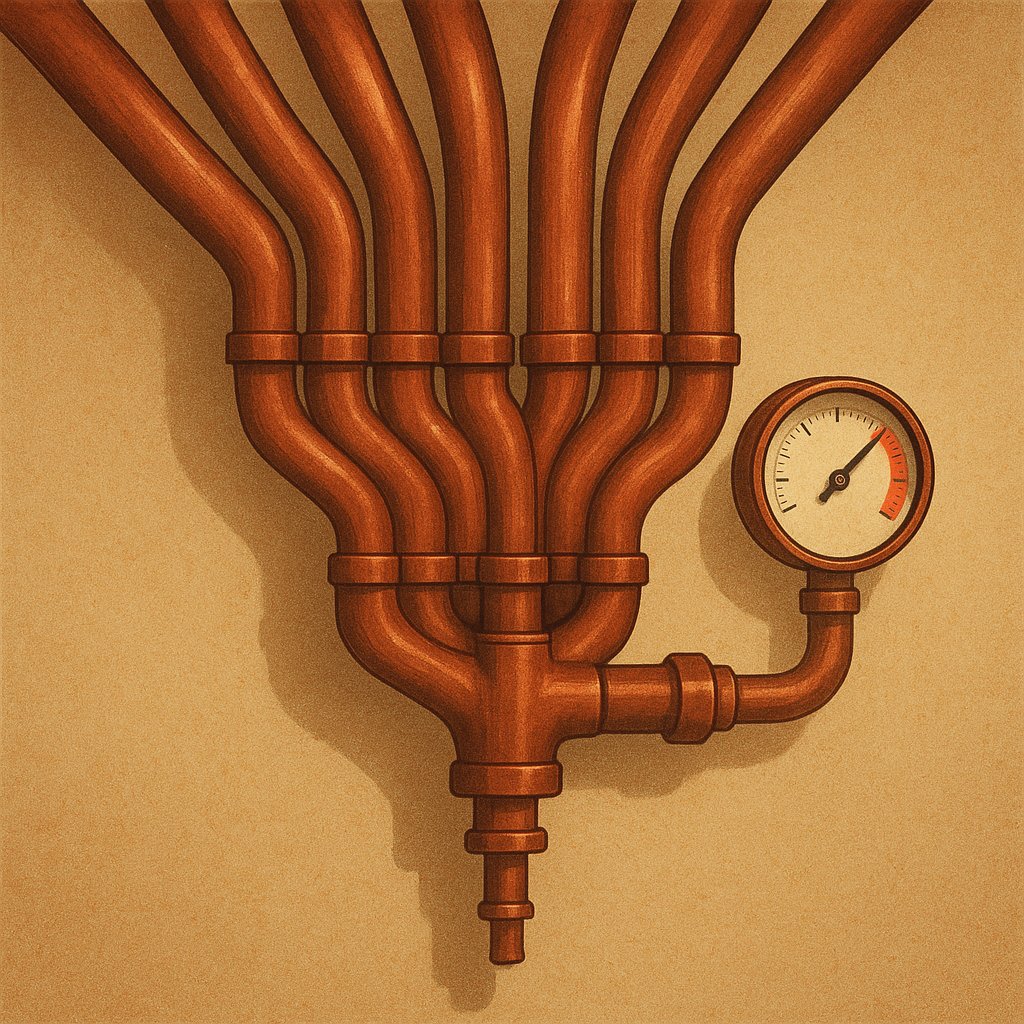
This surprises people who assume separate sites are separate systems. They usually are not. Unless someone deliberately configured otherwise, every WordPress site on a typical server hands its work to the same PHP-FPM pool. Mine did, across seven sites, and I did not realise it until I went looking.
You can check in one command:
grep -h fastcgi_pass /etc/nginx/sites-enabled/*If the same socket path appears for every site, they share one pool, one worker ceiling, and therefore one fate.
Confirming it in the log
PHP-FPM says exactly what is wrong, in plain language, in its own log:
grep max_children /var/log/php*-fpm.log | tailIf the problem is what I am describing, you will see lines like:
WARNING: [pool www] server reached pm.max_children setting (5), consider raising itThat is not a hint or a symptom. That is the server telling you, in writing, the exact number that is turning your visitors away. Mine said 5, for seven WordPress sites, and had been saying it for months while I treated the 502s as random.
Why the number is usually too low
pm.max_children is the maximum number of pages your server will build simultaneously. Reach it, and every further visitor waits — then receives a 502.
Default values are conservative, often set when the machine was provisioned and never revisited. They are also set without knowledge of your theme, your plugins, or your traffic. A default of 5 is reasonable for one small site and absurd for seven.
There is a second reason it stays wrong: the error is intermittent. It appears at your busiest moments and vanishes when you go looking, which is precisely the behaviour that makes people blame something external. A site that failed constantly would have been fixed months earlier.
The security consequence nobody mentions
This is the part I did not expect, and it is the reason I would treat a low worker ceiling as a security issue rather than a performance one.
If your ceiling is 5, then five simultaneous requests can occupy your entire server. Not five thousand. Five.
A modest automated attack on wp-login.php — the kind that arrives at every WordPress site continuously, without anyone targeting you specifically — can therefore take down every site on the machine. Not by breaking in, and not by flooding your connection. Just by asking for the login page slightly faster than PHP can render it.
I discovered this on a server that was, at the same time, being probed exactly that way. The 502s and the attack were the same event, and I had been treating them as two unrelated mysteries.
Fixing it properly
The temptation is to raise the number until the errors stop. That works, and it is how you create a subtler problem.
Each worker holds memory. Raise the ceiling beyond what your RAM can hold and the server starts using the disk as overflow, which is many times slower. The site stops failing and starts crawling — and slowness is much harder to diagnose than an error page, because nothing identifies itself as broken.
The correct ceiling comes from measurement:
(total RAM − database − operating system − safety margin) ÷ memory per workerMeasure your own memory per worker rather than assuming a typical value:
ps -o rss= -C php-fpm8.2 | awk '{s+=$1; n++} END {printf "%d workers, avg %.0f MB\n", n, s/n/1024}'On my server that figure is 170 MB, which is high — a lean WordPress worker is 40-60 MB — because of a heavy theme and page builder. With 3.9 GB of RAM, the arithmetic allows about 16.
I set 12, deliberately below the maximum, because that figure drifts upward over time and I would rather keep the margin. Twelve ended the 502s completely.
I also added:
pm.max_requests = 500which retires each worker after 500 requests and starts a fresh one. Some plugins leak memory slowly; this recycles them before the leak matters. It costs nothing.
Then validate before reloading, always:
php-fpm8.2 -t && systemctl reload php8.2-fpmOne caution learned the hard way: a reload is graceful. Existing workers finish their current work under the old settings, so for a few seconds the old behaviour persists. Test twice before concluding a change did not work — I have chased a phantom failure that was simply a worker that had not been replaced yet.
When the number is not the answer
Raising the ceiling is right when the log says you hit it. If it does not:
- PHP-FPM is not running.
systemctl status php8.2-fpm. A failed restart after an update is
a common cause, and gives a constant 502 rather than an intermittent one.
- Genuinely out of memory. Check
free -manddmesg | grep -i kill— if the system is
terminating processes to reclaim memory, you need more RAM, not more workers.
- A single slow query or endpoint occupying workers for many seconds each. Then the ceiling
is a symptom and the query is the disease.
If you would rather not have this conversation at all
Everything above is the cost of running your own server: it is cheap, it is completely under your control, and occasionally it asks you to understand a configuration file at an inconvenient hour.
That trade is worth it for some people and not for others. Managed WordPress hosts such as Kinsta treat worker limits and scaling as their problem rather than yours, and price by traffic instead of by memory. You pay noticeably more each month and you never read a PHP-FPM log again.
If you prefer to keep control but want more headroom than I have, Hostinger and Contabo sell VPS plans where the extra RAM costs less than one incident of downtime. Buying one size larger than your calculation is sensible rather than wasteful, for the simple reason that memory consumption only ever grows.
For transparency: I run on neither, and on a provider with no affiliate programme at all. The numbers above come from that machine.
The short version
- 502 means PHP did not answer, not that the server is down.
- All sites failing together points at a shared worker pool.
- The log names the exact setting:
grep max_children /var/log/php*-fpm.log. - Raise the ceiling by arithmetic, not by feel — too high trades errors for slowness.
- Measure memory per worker on your own machine; do not trust a typical figure.
- A low ceiling is also a security weakness: a handful of requests can occupy the whole server.