Breaking Lab srl

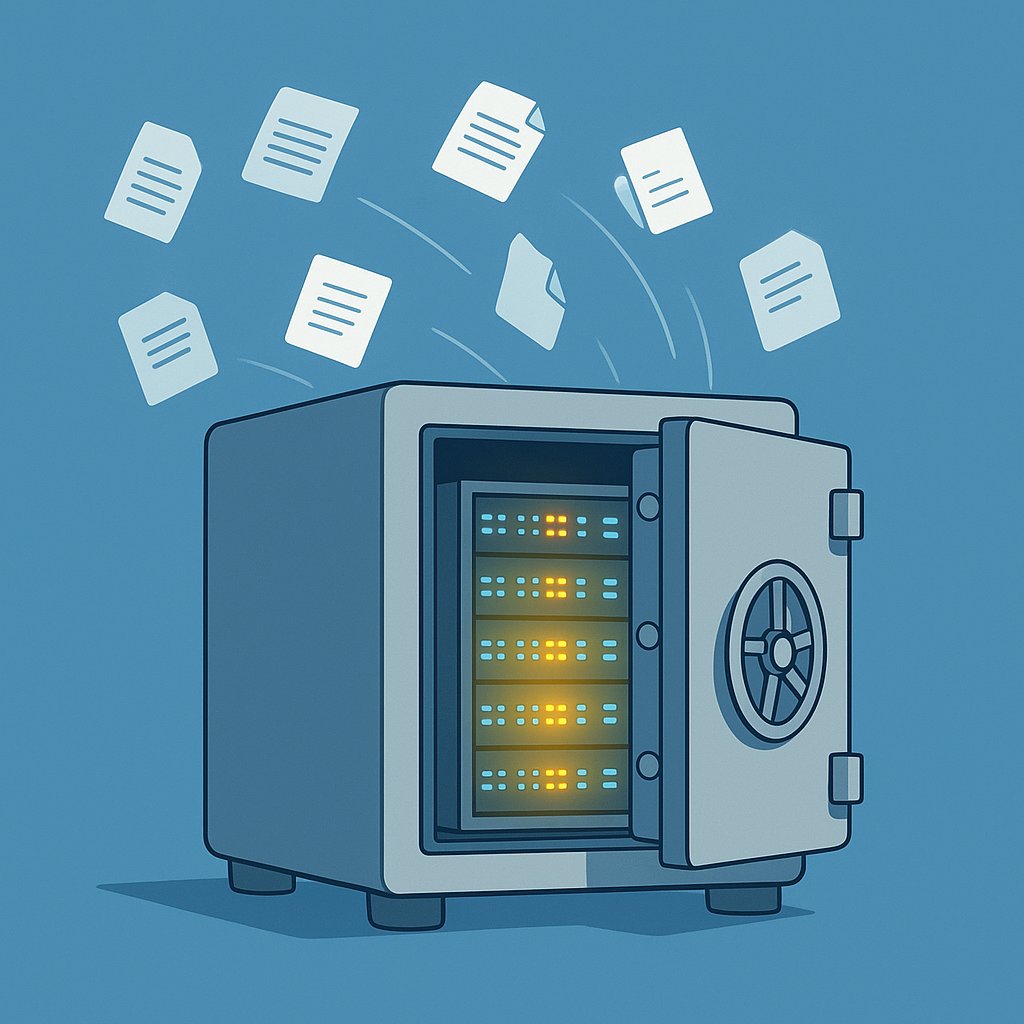

The backup you keep meaning to set up
Ask any experienced server owner what they regret most, and you will hear the same answer: not having a proper backup before something went wrong. A crashed disk, a botched software update, a ransomware infection — any of these can wipe out months of work in minutes. Yet most people running a VPS (a virtual private server — a rented slice of a remote machine) or a small self-hosted setup still rely on a manual export they do “when they remember”, which often means never.
What makes backups hard in practice
The technical part is not the real barrier. The real barrier is that setting up automated, offsite backups requires decisions: which tool, which storage provider, how often, how many copies to keep, how to test a restore. For someone who just wants their website or home server to stay safe, that is a lot of homework before anything useful happens.
That friction is exactly where most self-hosters get stuck. They know they need backups; they just never find the right moment to sort it out properly.
A service aimed at lowering that barrier
ServerCrate is pitching itself as a managed backup service designed to remove most of that decision-making. The idea is straightforward: point it at your server, and it handles the scheduling, the storage, and the retention policy. You do not need to configure a separate cloud storage bucket or write cron jobs (scheduled tasks that run automatically at set times). The current offer includes a free starting tier, which means you can test whether it actually works with your setup before spending anything.
For readers running a small WordPress site, a personal VPS, or a self-hosted service like Nextcloud or Gitea, a tool like this fills a genuine gap. The free tier is also useful for checking how much storage your backups actually consume — something that surprises a lot of first-timers.
What to watch before committing
Before handing any backup service your server credentials, it is worth checking a few things: where your data is actually stored, what the restore process looks like, and what happens to your backups if the company closes down. A backup you cannot restore from is not really a backup at all. Testing a restore — ideally on a throwaway server — should be the first thing you do after signing up.
The broader trend here is encouraging. More small-scale hosting tools are starting to treat backups as a first-class feature rather than an afterthought. As self-hosting grows in popularity, services that handle the boring but critical infrastructure work will become more common — and that is good news for anyone running their own corner of the internet.